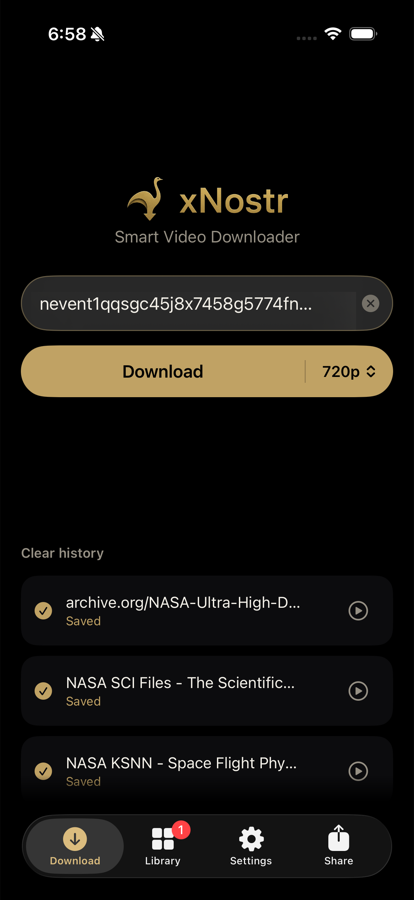
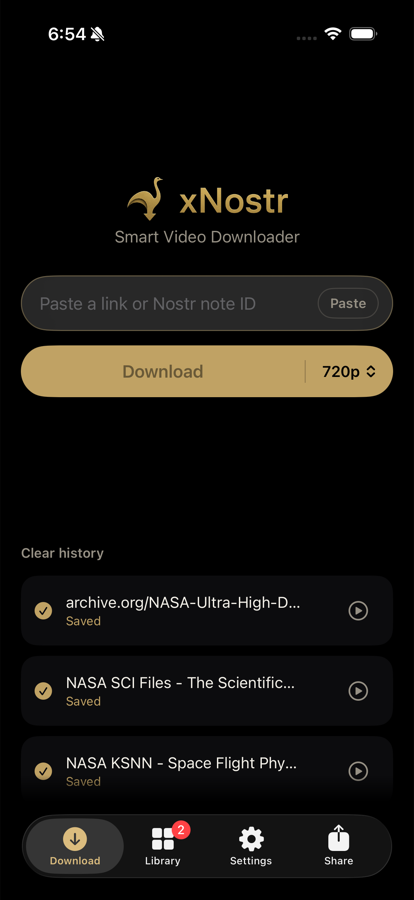
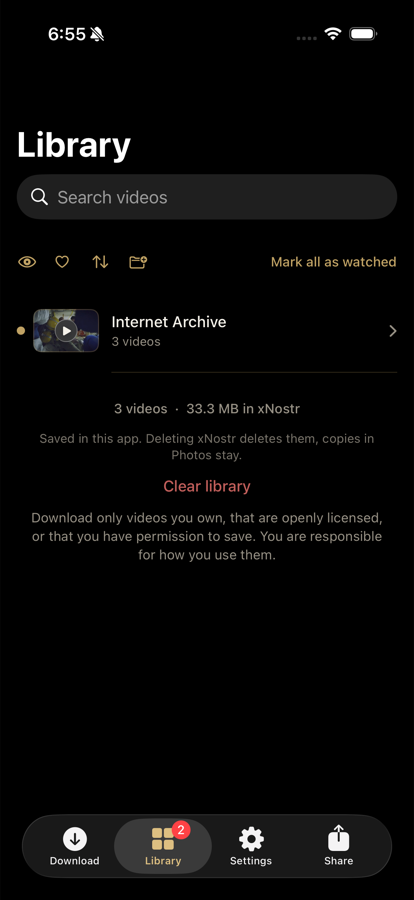
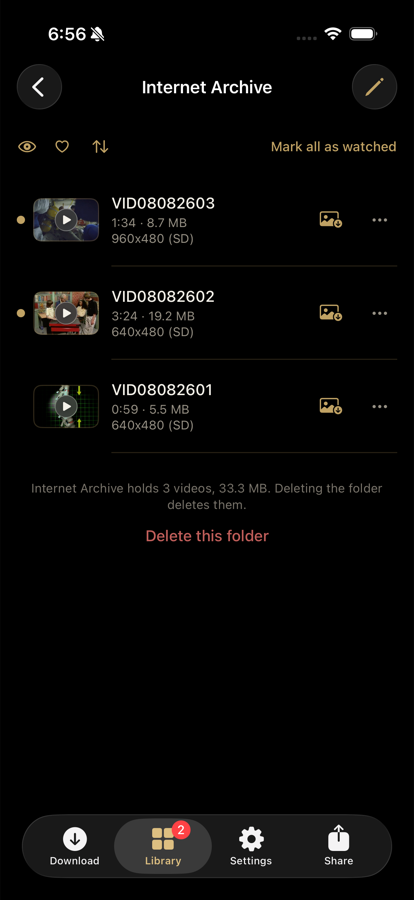
xNostr resolves Nostr notes, keeps the video in a library of its own, and
plays it offline. It also saves from the Internet Archive, Wikimedia and
NASA, and it converts the formats iPhone refuses to play. It saves only
from sources that permit it.
Free to download, free to use. Nothing to sign up for.
Paste and goThe link is taken off your clipboard for you.Watch it landReal progress, real speed, and a history that survives a restart.Filed by itselfOne folder per source, named for you, no tidying up.Everything about itLength, size and resolution, in plain words.Play it offlineBuilt in player, with Photos and sharing one tap away.
Three things no other downloader does
Most downloaders are the same tool with a different icon. These are the
parts that are actually different.
Only one that does it
Nostr notes, resolved
Paste a note1, an nevent1, a
nostr: link or a bare event id. xNostr asks the relays,
finds the video inside that note, takes the note's own words as the
title, and downloads it. No other downloader understands Nostr at all.
The hard ones
Difficult downloads, worked out on the fly
Video and audio published as separate streams get muxed back together.
Segmented and adaptive formats are reassembled. When a site refuses,
xNostr switches route by itself and keeps going. The parts that make
other downloaders say "unsupported" are the parts it handles for you.
Nothing left unplayable
Formats iPhone cannot play, converted
Plenty of video on the internet is in codecs an iPhone simply refuses:
older MPEG-4, Theora, VP9 and others. xNostr spots them, and re-encodes
to H.264 so the file plays and Photos will take it. If a download
arrives unplayable, one tap converts it.
Everything else it does
The small things, which are most of why a tool is pleasant to use.
Your own library
Videos live inside xNostr, playable offline, not scattered through your camera roll.
Folders, made for you
One per source, named after the site rather than its domain. Make your own and move videos in.
Favourites
A heart that cuts across every folder, without moving anything.
Search and sort
Find by name or by the original title. Sort newest, oldest, or A to Z.
Watched and unwatched
A quiet marker, cleared by actually watching three seconds, plus a badge for what is waiting.
Pick your quality
720p, 1080p, 4K or Max, with the trade spelled out. Change it for one download without changing it for good.
Photos when you want it
Copy any video into Photos on one tap. Never automatic, never a surprise.
Share into xNostr
Share a link from any app and the field is already filled. Share a video file and it lands in your library.
Carries on in the background
Downloads continue when you leave, and survive the app being closed.
Never twice
Paste something you already have and xNostr says so instead of spending your data again.
Stop anything
One tap ends a download the moment you change your mind, on your phone and on the server.
Lock it
Face ID, Touch ID, or a 4 digit code of the app's own. Off by default.
Blur the shelf
One tap softens every thumbnail, for reading over your shoulder on a train.
Rename anything
Give a video a name that means something. It keeps that name into Photos.
Tells you when it is done
A notification when a video lands, and a real one if something stopped.
Runs on your connection
Downloads go out over your iPhone's own internet connection, which is why sites accept them.
Three taps
There is no account, no setup, and nothing to configure first.
Copy a note ID
Or a link from one of the sources xNostr supports, or share a video straight into xNostr from another app.
Open xNostr
It offers to paste for you. Pick a quality if you care, and tap Download.
It is yours
Filed in your library, playable offline, ready to copy into Photos or share on.
What it will not do
Said plainly, so nothing about the app is a surprise after you install it.
No YouTube
YouTube is not supported and the app says so by name when you try.
No DRM
Streams protected by DRM are never handled. Breaking that protection is illegal and xNostr does not do it.
Only what you have the right to save
xNostr asks you to confirm that, and keeps the terms in your Library. What you save, and what you do with it, is on you.
Save the next one properly
Free to download, free to use, no account, no sign up.